
Re-authentication Workflow
Biometric login methods on devices often rely on facial recognition stored locally on the user’s device. If a phone or its biometric settings are compromised, this can allow unauthorized access to an account.
QoreID’s re-authentication service removes this risk by verifying a user’s identity using advanced facial recognition combined with government-approved digital identity data. Instead of relying on device-stored biometrics, the service securely confirms that the person attempting access is the true account owner. All identity and personal data are protected at all times.
Key Features
1️⃣ Advanced Facial Recognition Technology
Uses both 2D and 3D facial mapping to improve accuracy and reduce false matches.
2️⃣ Digital Identity Integration
Directly linked to government-approved digital identity records for an added layer of authentication and trust.
3️⃣ Data and Identity Protection
End-to-end encryption ensures user data and digital identity remain secure at all times.
4️⃣ Integration with Existing Systems
Available via SDK, allowing easy integration with existing systems and workflows.
Benefits
1️⃣ Increased user account protection
Reduces the impact of phishing attacks and compromised passwords by adding a strong identity check.
2️⃣ Elimination of Locally Stored Biometrics
Eliminates reliance on device-stored biometric data, reducing exposure to device-level attacks.
3️⃣ Ease of Use
Designed to provide a seamless experience with minimal effort required from the user
4️⃣ Increased Security
QoreID Reauthentication service relies on security controls such as encryption, access controls, and monitoring to ensure the integrity, confidentiality, and availability of user data and system resources
How to set up a QoreID Authentication Workflow
1️⃣ Create a Parent Workflow with a Digital ID Service and Liveness Check
Create a parent workflow that includes:
i. A digital ID service
ii. A liveness check linked to the digital ID
This ensures re-authentication is only available to users who have previously completed identity verification on QoreID.
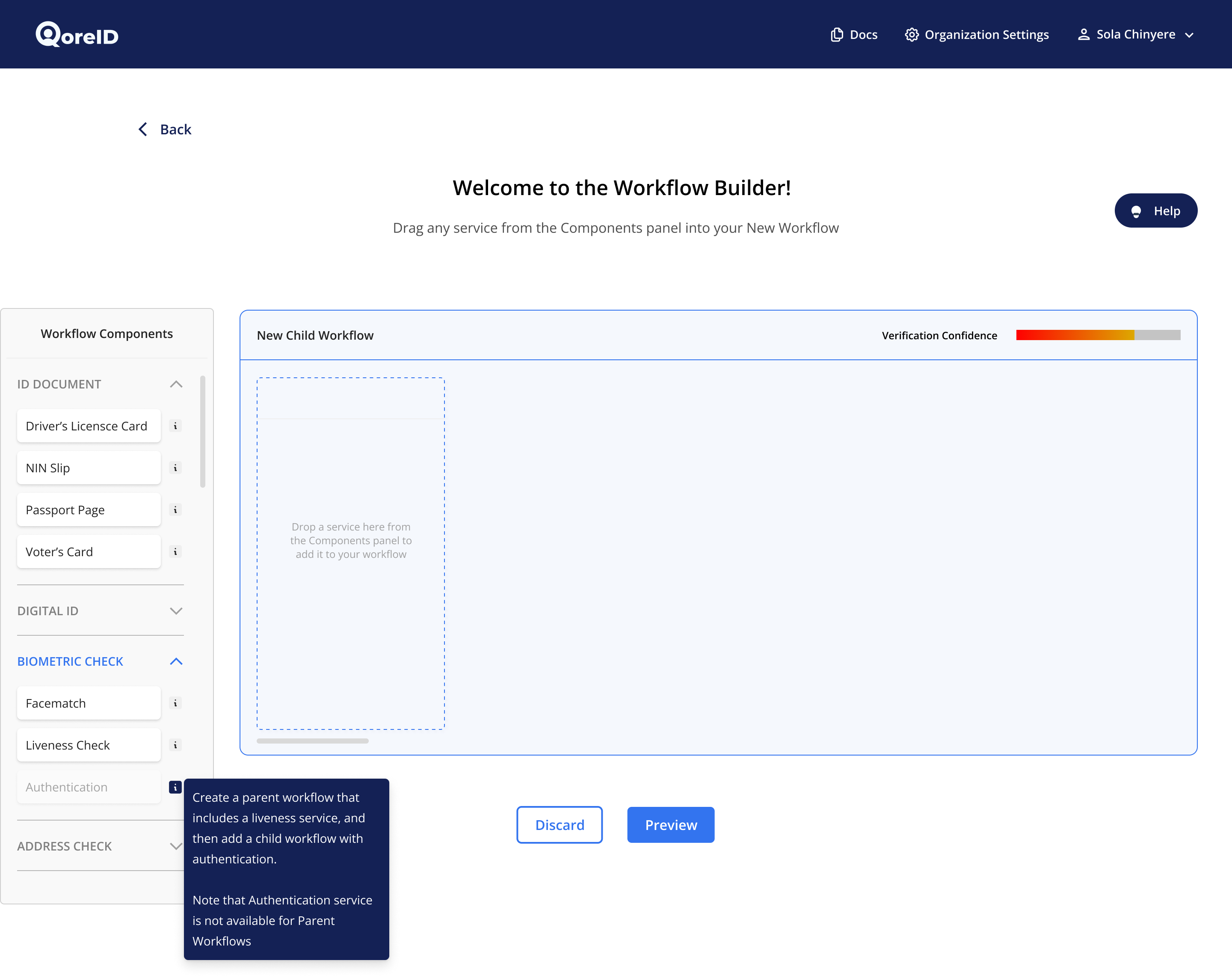
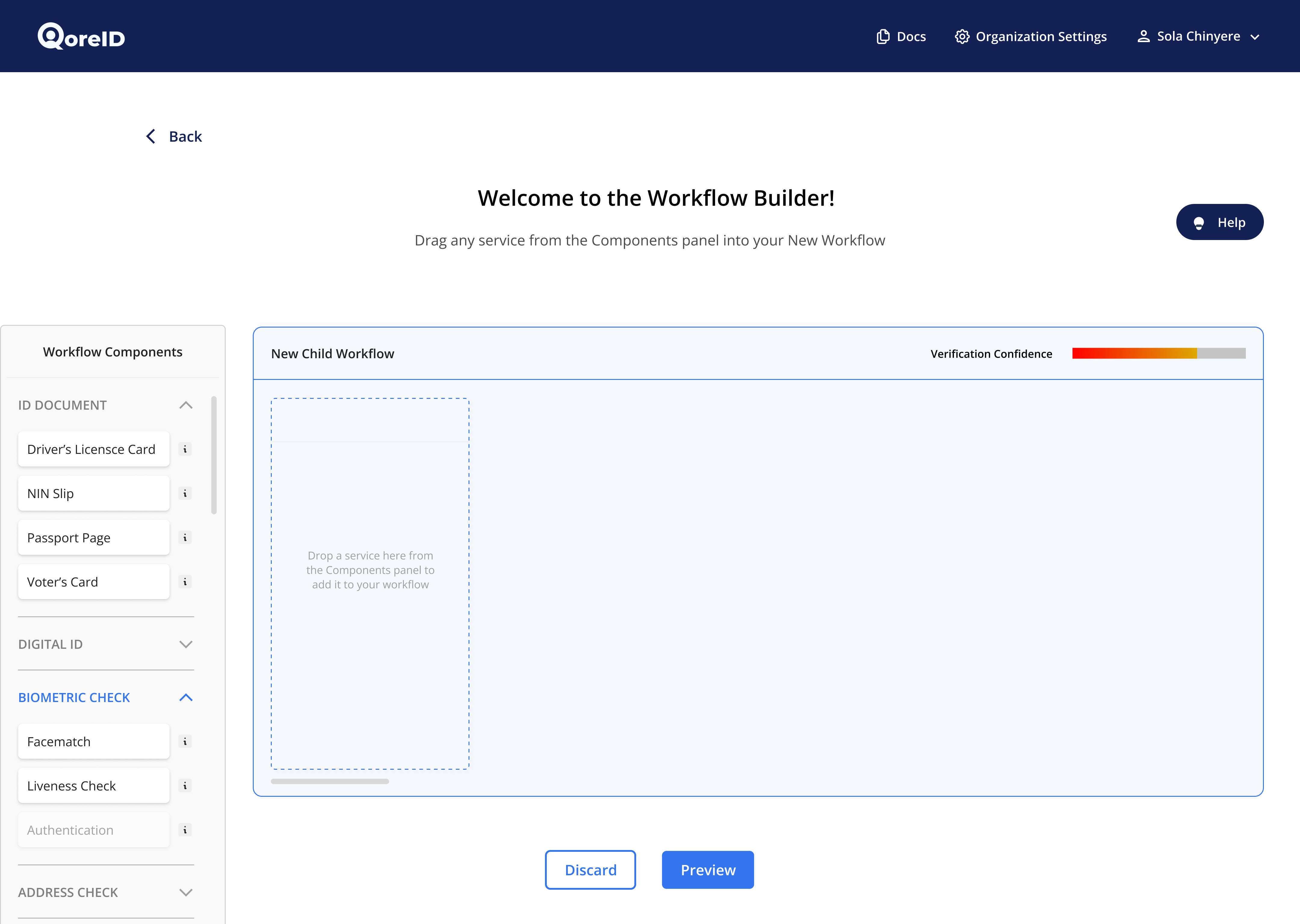
2️⃣ Create a Child Workflow and add the Re-authentication Service
Add the re-authentication service inside a child workflow.
This service can only be added as a child workflow because it depends on a previously completed digital ID verification and liveness check.
3️⃣ Integrate
After creating workflows as stated above, you can go ahead and integrate the QoreID workflows that have been created, To get started. Click here
Updated 9 months ago